School management software for Pakistani schools
Fees, admissions, attendance, exams and results, staff and payroll — in one place, with Urdu where you need it. It keeps working when the internet goes.
Free for schools with up to 300 students.
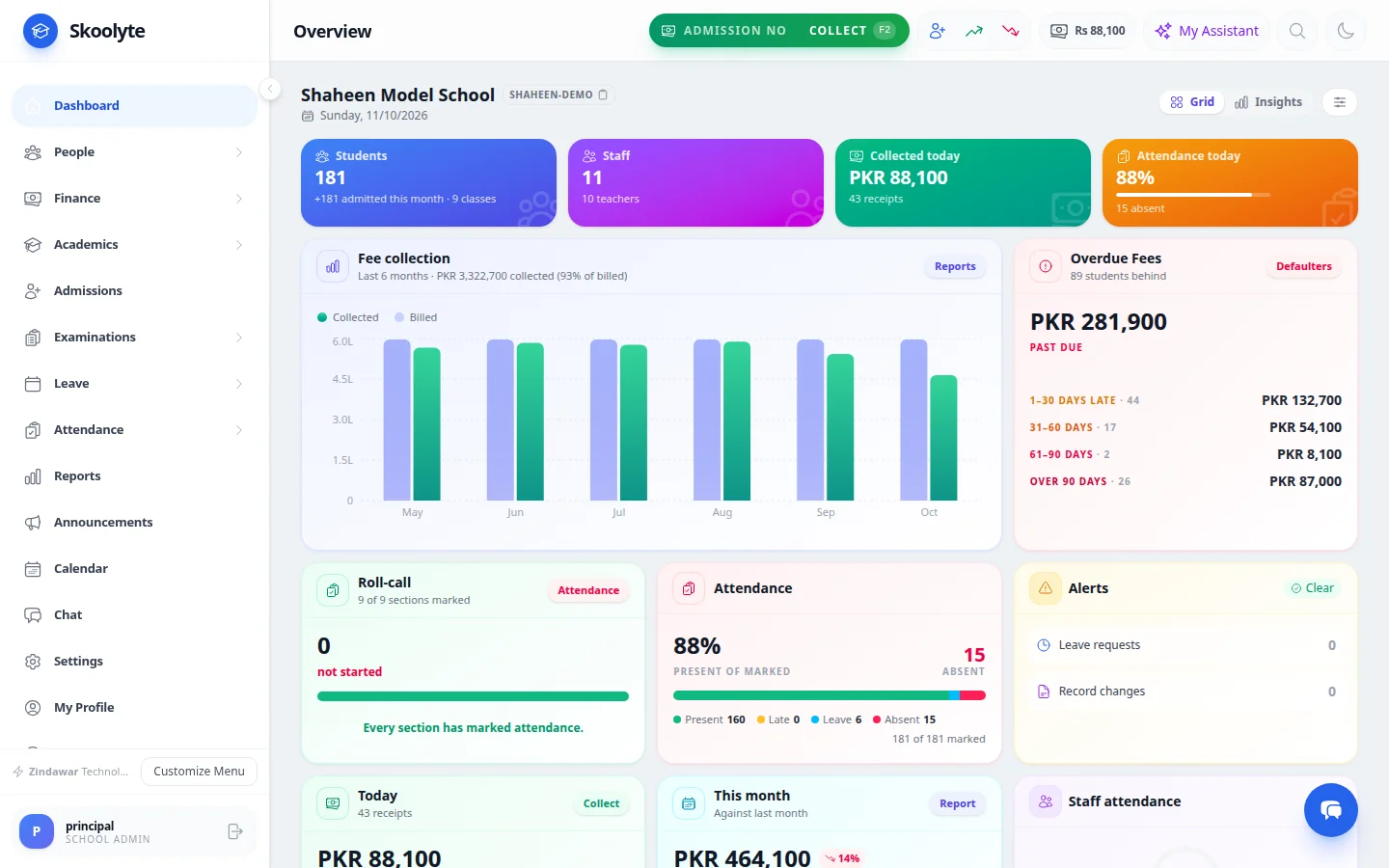
Fees
Collect fees the way your office already does
- Generate the month’s fees and print every voucher in one go
- Take one payment for the whole family at the counter
- Send the receipt to the parent on WhatsApp
- See defaulters and send reminders
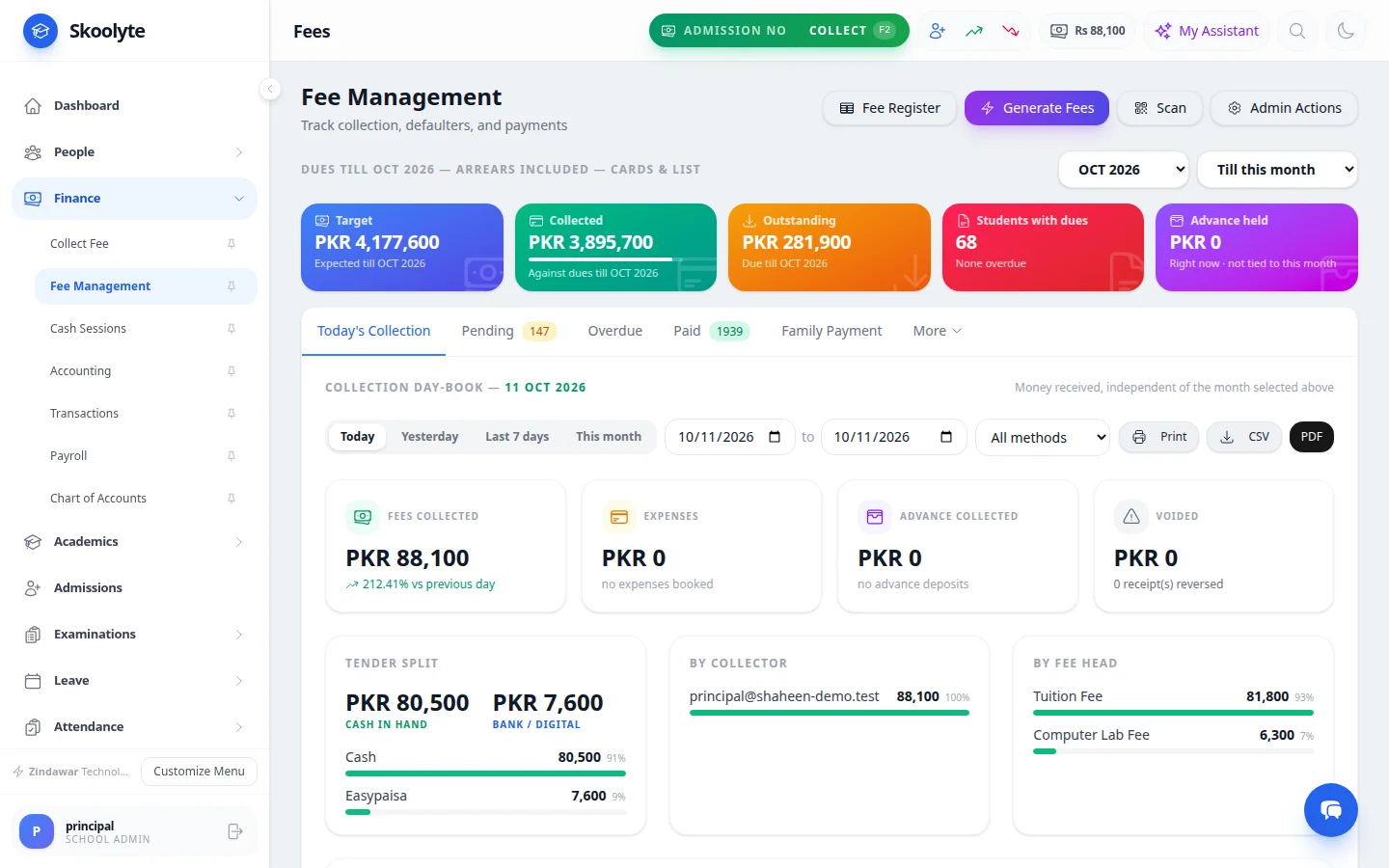
Exams
Report cards the day after the last paper
- Each teacher enters marks for their own subject
- Results, report cards and the gazette are worked out for you
- Build question papers from chapters — ready-made questions for KPK classes 1 to 8
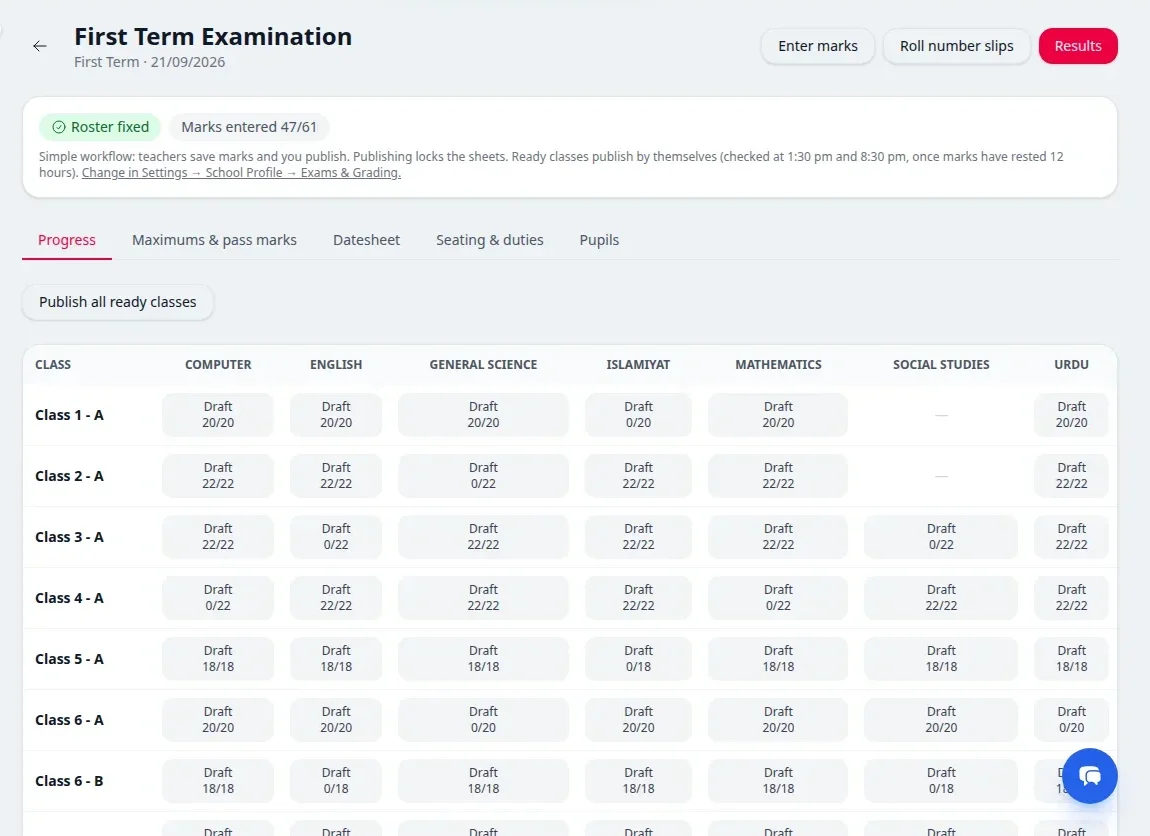
Every day
Attendance, diary and tomorrow’s lesson plans
- Class teachers mark attendance in a few taps, even offline
- Subject teachers write the diary and the next day’s lesson plan
- The head teacher sees what every class will be taught tomorrow
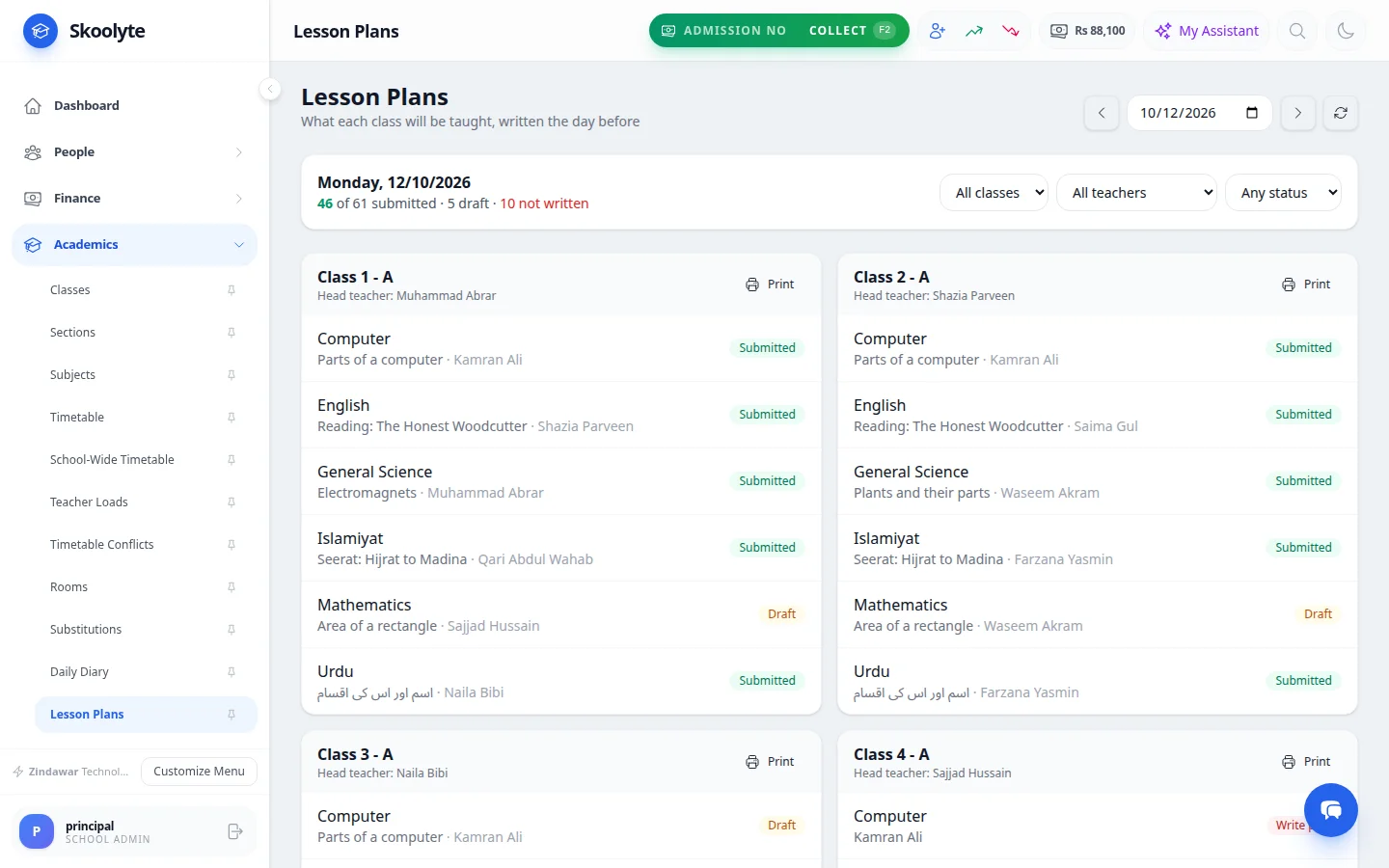
Admissions
From inquiry to promotion
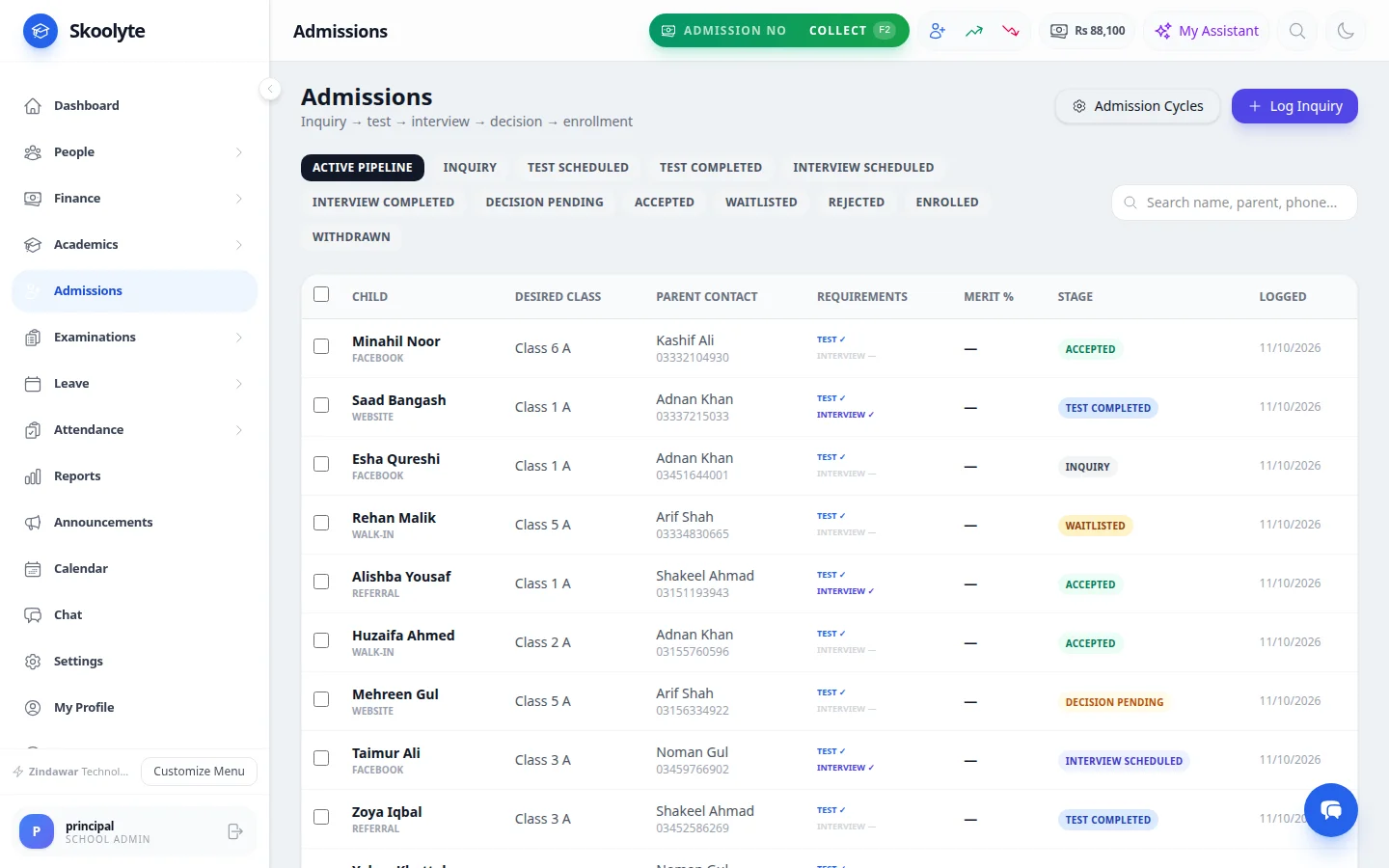
- Online admission form, entry test and interview in one list
- Admit with one click — the admission number is given automatically
- Promote the whole school at the end of the session
Works without internet
Attendance, fees and marks keep working offline and send when the connection is back.
Urdu where you need it
Urdu names on records and Urdu question papers, printed right-to-left.
Every campus, one account
Switch campus at the top. Staff see only the campuses they work at.
Your data stays yours
Two-step sign-in, a permission for every role, and Excel export of your lists.
Getting started
- Step 1
Sign up
Create your school’s account. It takes a couple of minutes.
- Step 2
Set up your school
Add classes and fees, and import students, staff and your fee register from Excel.
- Step 3
We train your staff
We show your office staff and teachers how to run their daily work in Skoolyte.
Plans
Compare plans →Questions schools ask
Do we need internet all day?
No. Attendance, fee collection and marks entry keep working without internet. Everything is sent to the server when the connection comes back.
Can we bring our data from Excel?
Yes. Students, staff and your fee register — including old arrears — can be imported from Excel. The import shows you any rows it can’t read before anything is saved.
Is it in Urdu?
Names of students, staff and subjects can be kept in Urdu, question papers can be made in Urdu, and the menus are available in Urdu. Most screens are in English.
Is it really free?
Yes, for schools with up to 300 students. New schools can try the paid features first. Larger schools and schools with branches choose a paid plan.
Can it connect to our school website?
Yes. Your website’s admission form can send inquiries straight into Skoolyte, and your website can show your announcements and events. An admin creates a key and chooses exactly what it may do.
Can we take our data out?
Yes. Student lists, fee records and reports can be exported to Excel or PDF whenever you want.
Try Skoolyte with your own school
Free for schools with up to 300 students. Bring your Excel lists, and we'll train your staff.